

Runway
Verified ProfileRunway is an AI video generation and creative production platform for text-to-video, image-to-video, generative editing, motion design, and professional video workflows.
Free
Starter Plan
Gen-4
Model Family
Video
Primary Output
Creative
Best Fit
Last synced September 9, 2026. Official data may change on the provider website.
Visual References
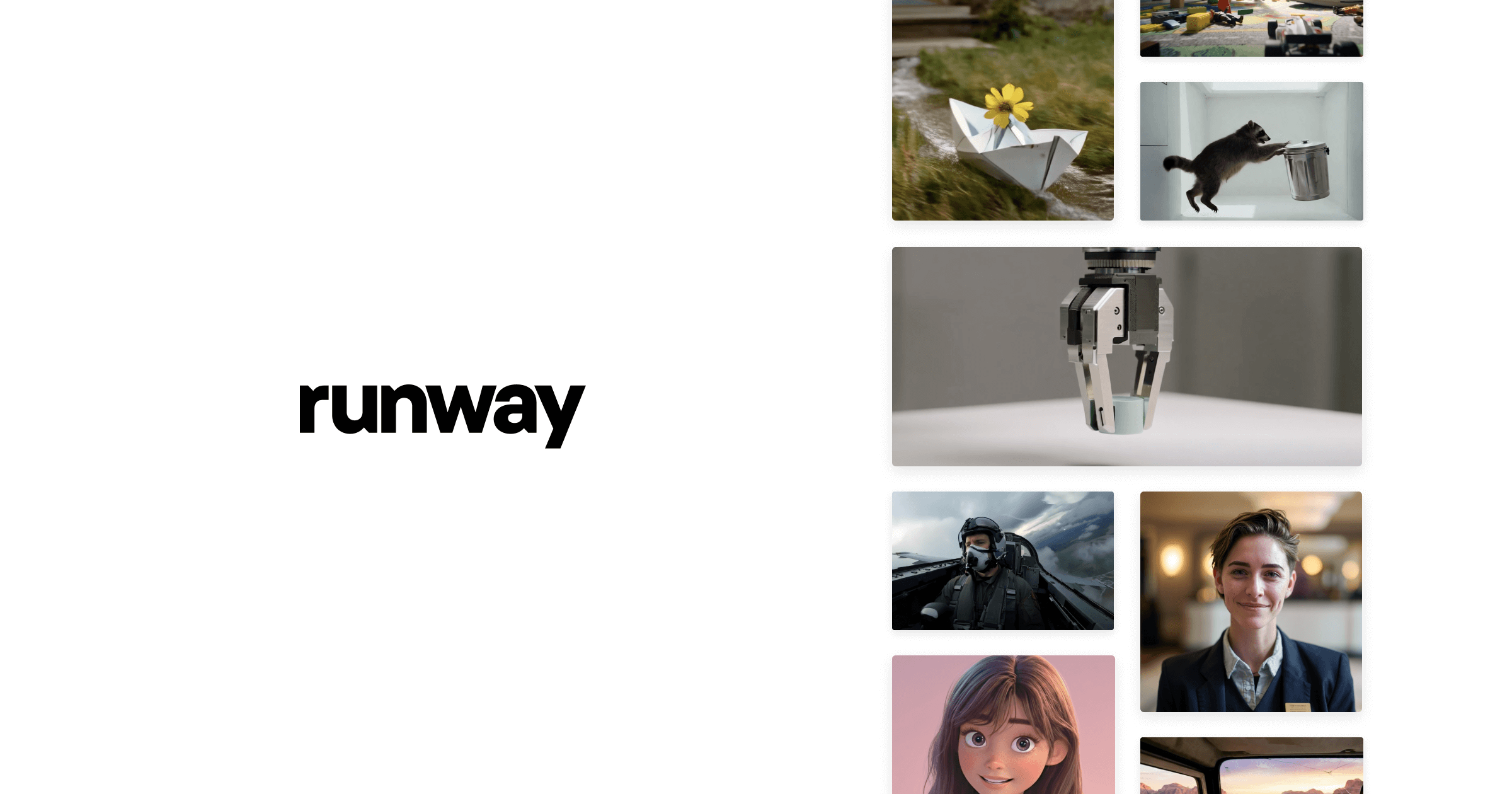
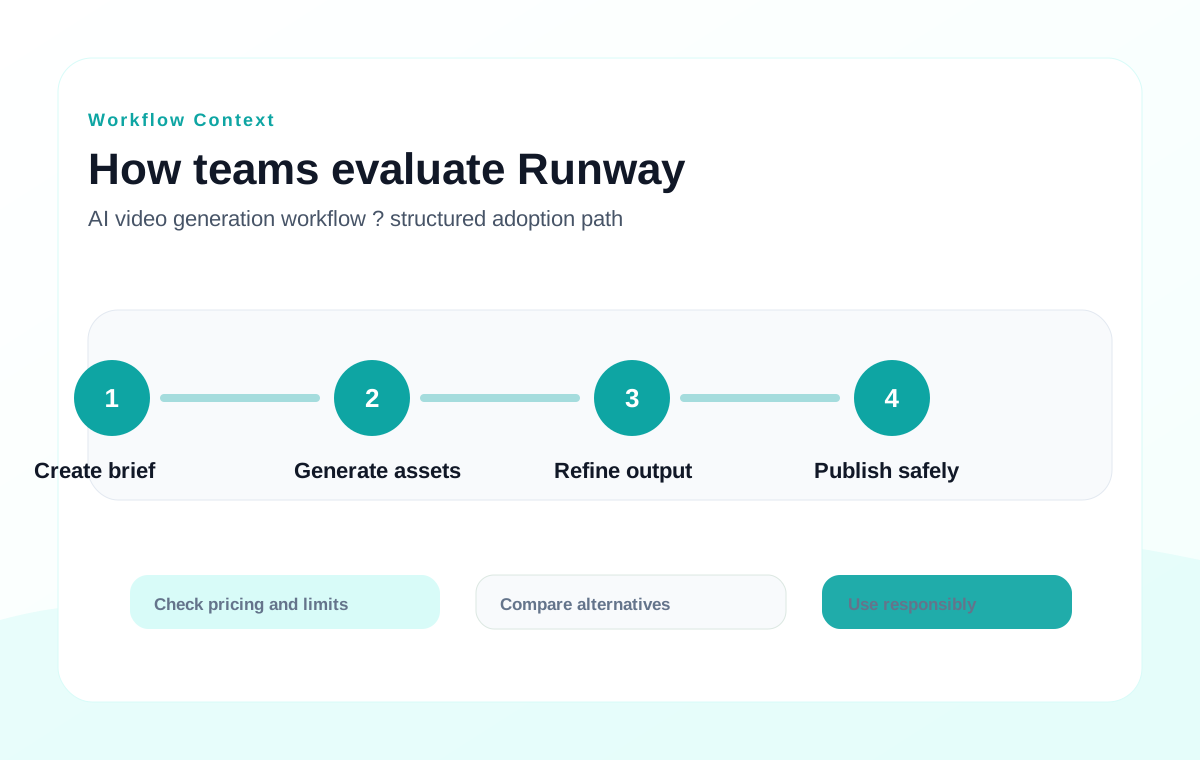
Official preview, product capability, and workflow context
Overview
Runway is a mature AI video and generative media platform used for text-to-video, image-to-video, video editing, motion exploration, and creative production workflows.
It is strongest for creators, marketers, filmmakers, designers, and agencies that need fast concept videos, generative shots, visual effects experiments, storyboards, and short-form media assets. It is not a full replacement for professional editing, color, audio, or post-production pipelines.
This profile summarizes the tool before users continue to the official website.
Ratings & Evaluation
Directory-level scoring for comparison
User Rating
4.7/ 5
★★★★★
Editor evaluation based on AI video quality, production workflow, model depth, and pricing transparency
Editor Score
4.8/ 5
AI Video Quality95%
Creative Control90%
Production Workflow91%
Value For Teams84%
Key Features
1
Text-to-video and image-to-video
Generate video clips from prompts, reference images, or creative direction for ideation and production drafts.
2
Runway video model ecosystem
Access current Runway model families for generative video, motion, and media creation workflows.
3
Generative editing tools
Use AI-assisted editing capabilities to modify, extend, stylize, or experiment with video assets.
4
Creative workflow workspace
Run browser-based generation, review, and iteration without building a local AI video stack.
5
Team and enterprise paths
Paid plans support heavier usage, higher generation limits, and organization-oriented needs.
6
API and production integrations
Runway offers API access for selected use cases, useful for teams building custom video generation workflows.
Pros & Cons
Pros
- ✓ One of the strongest browser-based AI video platforms for creative teams
- ✓ Useful for text-to-video, image-to-video, concept shots, ads, storyboards, and VFX experiments
- ✓ Free tier makes initial testing possible before upgrading
- ✓ Clearer production path than many lightweight AI video generators
Limitations
- • High-quality video generation can consume credits quickly on paid plans
- • Generated clips still need editorial review and post-production polish
- • Long-form narrative consistency remains challenging for AI video tools
- • Commercial teams should verify current rights, resolution, watermark, and API terms
Pricing Overview
Runway has an official or provider-controlled pricing/product page available for current plan review. The table below records public pricing signals where they could be confirmed.
| Plan | Price Signal | Best For | Notes |
|---|---|---|---|
| Observed public price signals | $12/month, $0, $12, $144, $28, $336 | Pricing orientation | Amounts were automatically extracted from the public pricing/product page; verify plan mapping and billing period. |
| Official pricing page | Published by provider | Current purchase decision | Open the official pricing page to confirm plan names, limits, billing period, taxes, and region. |
Pricing rechecked on June 9, 2026. Amounts, billing periods, regional taxes, credits, and plan limits should be verified on the official pricing page before purchase.
Alternatives
MI
Midjourney
Top Pick
High-quality AI image generation for stylized art, photoreal concepts, and brand visual exploration.
DA
DALL-E
Recommended
Text-to-image and image editing tools for fast creative drafts and multimodal workflows.
ID
Ideogram
Recommended
Strong text-in-image generation for posters, logos, thumbnails, and typography-heavy visuals.
FAQ
Does Runway have a free plan?+
Yes. Runway offers a free plan for initial testing, with paid Standard, Pro, Unlimited, and Enterprise options for heavier usage.
What is Runway best for?+
Runway is best for AI video generation, image-to-video, creative shot ideation, generative editing, storyboards, short-form video, and visual effects experiments.
Can Runway replace a video editor?+
No. It can generate and transform video assets, but professional projects usually still need editing, audio, color, review, and finishing tools.
Is Runway suitable for commercial work?+
It can be used in commercial creative workflows, but teams should confirm current plan rights, watermark rules, resolution limits, and usage terms before publishing.